Save Photo & Video Statuses in One Tap
The easiest way to keep memories. Works for WhatsApp & WhatsApp Business. Clean, fast, and privacy-focused.
How to Save WhatsApp Status
Download photos and videos in 3 simple steps
1. View Status
Open WhatsApp and view the status you want to save.
2. Open App
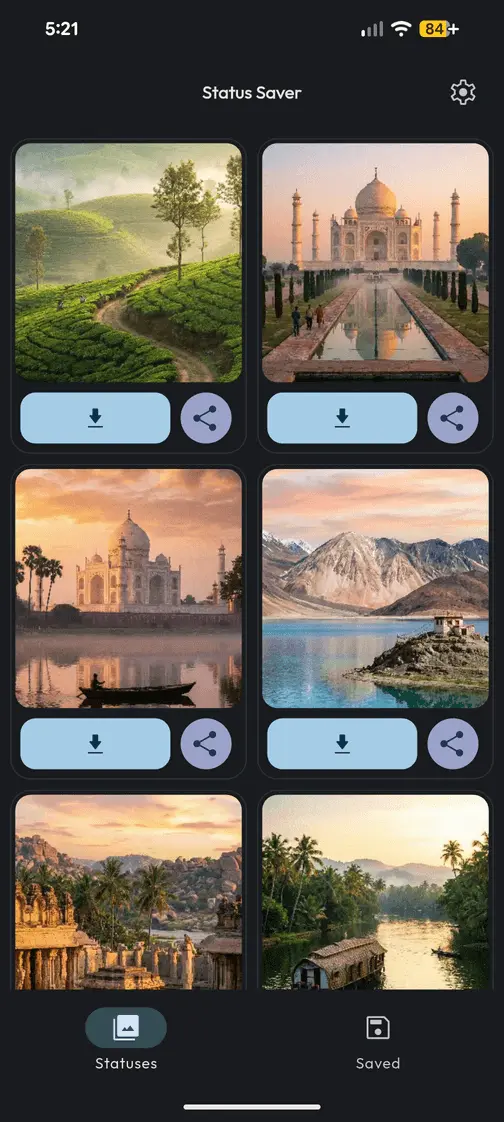
Open Pixel Status Saver. New statuses will appear automatically.
3. Click Save
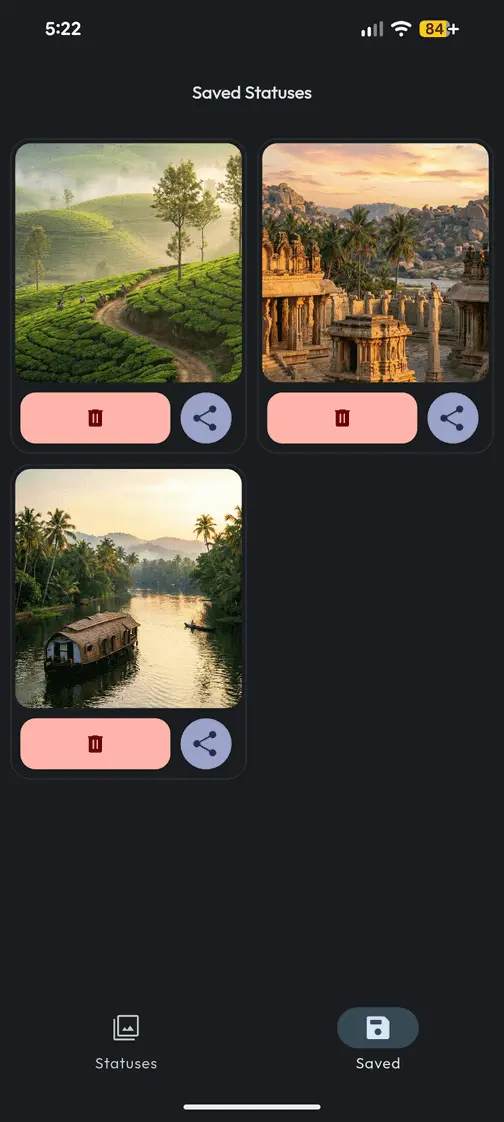
Tap the download button. Saved files go instantly to your gallery.
Why Choose Pixel Status Saver?
Built for speed, privacy, and visual comfort
Multi-Save
Select and save multiple images or videos at once to save time.
HD Player
Watch saved videos smoothly with our built-in high definition player.
Privacy First
No login required. Files are stored locally on your device.
Direct Repost
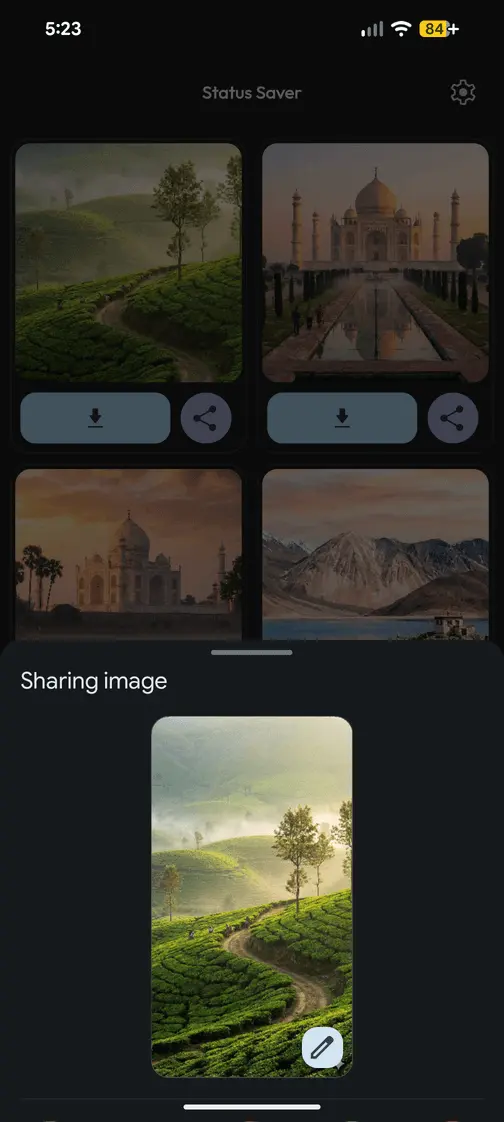
Share to your story or other apps without cluttering your gallery.
Frequently Asked Questions
Does the other person know I saved their status?
No. Saving a status is completely private. The other person will not be notified that you downloaded their photo or video.
Where are the saved files stored?
All downloaded statuses are saved directly to your phone's internal gallery. You can also view them within the "Saved" tab in the app.
Is the app free to use?
Yes, Pixel Status Saver is free to download and use. We support standard WhatsApp and WhatsApp Business.
Start Saving Memories Today
Join thousands of users who trust Pixel Status Saver for downloading high-quality photos and videos.
Download on Google Play